The Outreach Messages tool crafts playful, channel-tailored messages to boost response rates from potential candidates. It creates personalized templates optimized for different communication channels like LinkedIn, email, or phone. Each message captures attention while maintaining professionalism and brand authenticity. Recruiters can instantly use or adjust these templates to match tone and role specifics. This tool simplifies candidate outreach and helps build meaningful initial engagement without the guesswork.
Tailored to each channel
Ready-to-use email copy
Phone call scripts included
Direct message templates
Cold outreach campaigns
Contacting passive talent
Writing first messages
Need quick personalization
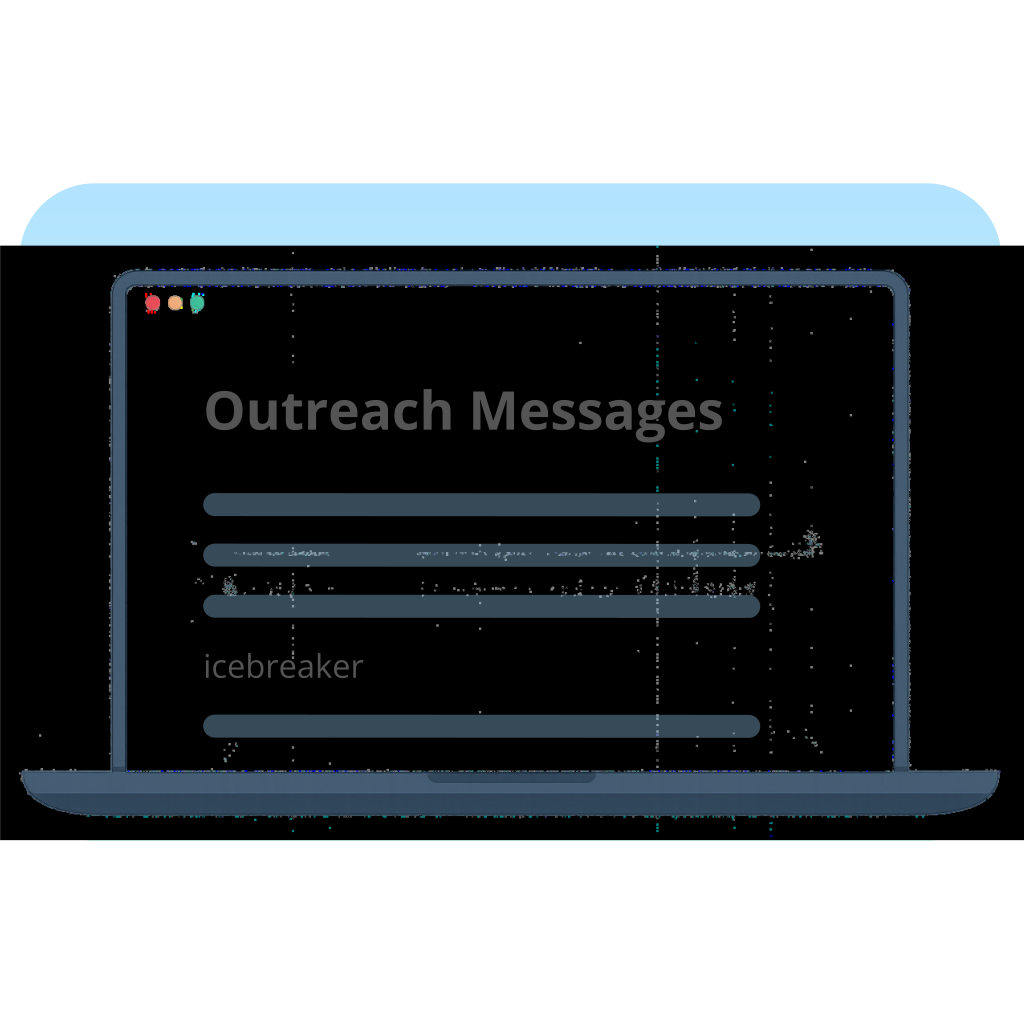
Paste the job description or key requirements the candidate is being considered for
e.g. SDR role targeting mid-market accounts, experience with outbound tools like Outreach
The DISC model describes how people tend to behave and communicate at work. Select the dominant DISC color for the person you’re targeting.
e.g. Red – Dominance
Add any comments or additional context.
e.g. Strong outbound experience, 3 SaaS roles, good cultural fit
Select a tone of voice.
Choose a tone of voice
Select the language you want to use for this workflow. This will affect the language of the generated content.
e.g. English
Write a short and personal WhatsApp message to reach out to a candidate.
A longer and more in-depth email that explains the role to the candidate.
A professional message that can be used when connecting or engaging with candidates on LinkedIn.
A script that provides engaging openings for outreach calls.